Master Excel and AI in Recruitment for Better Results
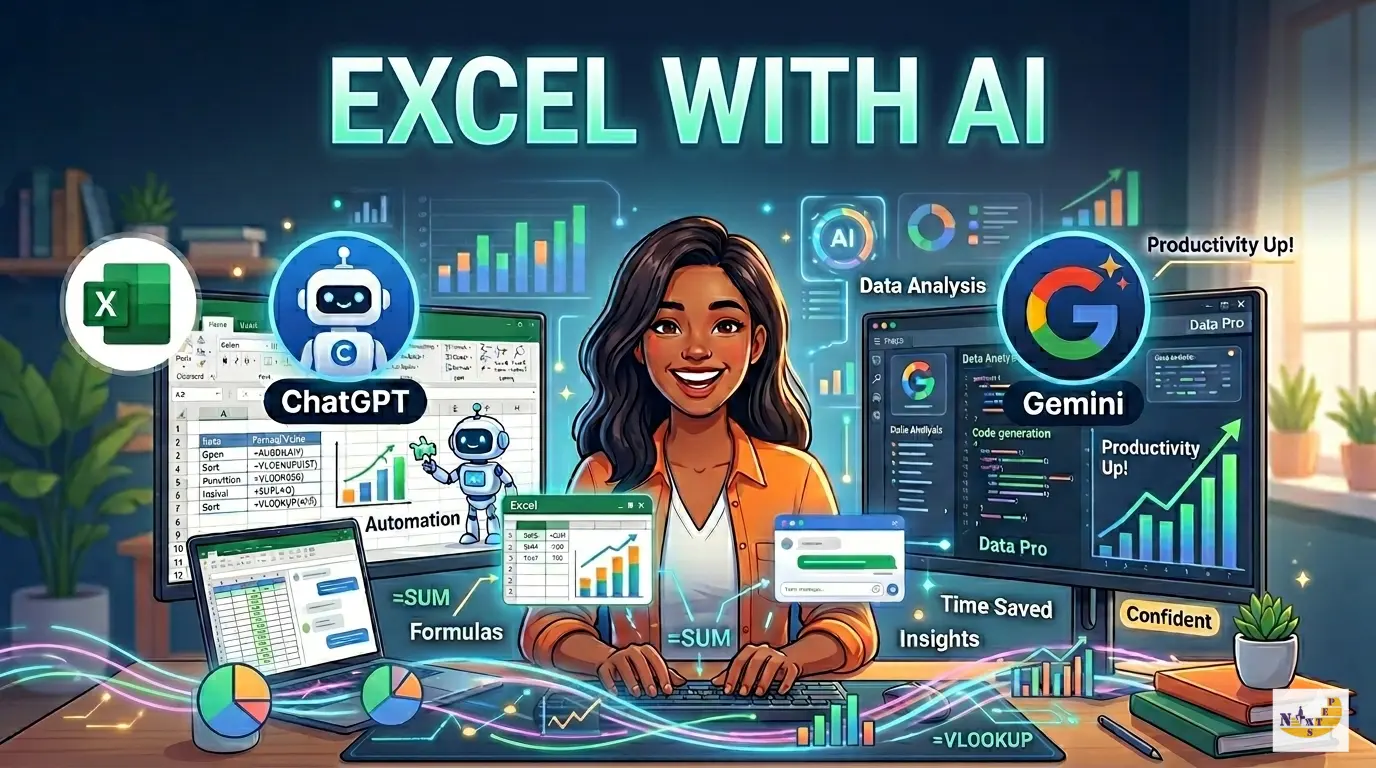
Stop Struggling with Spreadsheets: How ChatGPT and Gemini Make You an Excel Pro
You know that feeling when you’re staring at a “REF!” error or a broken formula for an hour, wishing you had a genius mathematician sitting right next to you? We’ve all been there. For years, mastering Microsoft Excel meant memorizing hundreds of complex functions and wrestling with messy data until your eyes blurred.
But things have changed. Today, you don’t have to do it alone. By combining Excel with AI tools like ChatGPT and Google Gemini, you aren’t just filling out cells—you’re basically hiring a 24/7 data scientist. At NextStep InfoTech, we’ve seen how these tools are helping students in Nepal jump from “beginner” to “pro” in half the time.
Why Should You Care About AI in Excel?
Think of Excel as a high-performance car. It’s powerful, but if you don’t know how to drive manual, you’re going to struggle. AI is like the ultimate autopilot. It handles the heavy lifting, the gear shifts, and the navigation, so you can just focus on where you want to go.
Learning to use AI with Excel doesn’t mean you stop learning the basics. Instead, it supercharges what you can do. Whether you’re a student looking for your first job or a professional eyeing a promotion, these tools help you work faster and smarter.
ChatGPT: Your Personal Formula Translator
ChatGPT is a master of logic. Its biggest strength is its ability to understand plain English and turn it into working code or formulas.
1. No More Memorizing Formulas
Ever needed a complex calculation but couldn’t remember if it required an INDEX/MATCH or a VLOOKUP? Now, you can just ask. You can tell ChatGPT: “I have a list of sales in Column B. Write a formula that gives a 5% bonus if the sale is over 10,000, but only if the person is in the ‘Senior’ category in Column C.”
Just like that, it spits out the exact formula you need. No more Googling for hours.
2. Building Macros Without the Headache
Writing VBA code (the language used to automate tasks in Excel) can be scary. But what if you could describe a task and have the code written for you? ChatGPT can write entire macros from scratch. It’s a great bridge for anyone thinking about moving into our Python course, because it teaches you how to think like a programmer without the initial frustration.
Google Gemini: The Research Assistant Inside Your Sheet
While ChatGPT is great for logic, Google Gemini shines because it’s built right into the Google ecosystem.
1. Real-Time Knowledge
Gemini can browse the live web. If you’re doing market research for a digital marketing project, you can ask Gemini to find the latest trends or prices and bring that data directly into your workspace. It’s like having a researcher who never gets tired.
2. Automatic Organization
In Google Sheets, Gemini has a “Help me organize” feature. You can simply type, “Create a project tracker for a 3-month software build with columns for owner, status, and priority,” and it builds the entire structure for you instantly.
Where Can This Take Your Career?
You might be wondering, “Is this just for office work?” Not at all. Mastering these tools is the first step toward some of the most exciting careers in tech.
- Data Science: If you can use AI to clean and analyze data in Excel, you’re already doing the work of a junior data scientist. It’s the perfect foundation for moving into machine learning.
- Digital Marketing: Modern marketers have to track everything. Using AI-enhanced spreadsheets lets you process campaign results in seconds, helping you prove your value to clients.
- Web Development: Logic is logic. The same clear thinking you use to prompt an AI for an Excel formula is exactly what you need to succeed as a MERN stack developer.
How to Start Using AI with Excel Today
Ready to get started? Here’s your game plan:
- Get the Basics Down First: AI is a helper, not a replacement. You still need to understand how cells and tables work. Our Advanced Excel training in Kathmandu gives you that rock-solid foundation.
- Be Specific with Your Prompts: Instead of asking for “help with a formula,” give the AI details. Tell it which columns have your data and exactly what you want the result to look like.
- Always Double-Check: AI is smart, but it can make mistakes. Think of it as an eager intern—always verify its work before you send that final report to your boss!
Take Your Next Step with Us
At NextStep InfoTech Training Center, we don’t just teach you which buttons to click. We show you how to solve real-world problems. Our instructors are professionals who use these tools every day, and they’re here to make sure you feel confident and capable.
Whether you want to master Python, dive into Data Science, or just become the fastest Excel user in your office, we’ve got a seat waiting for you.
Want to see what you’re truly capable of?
Come visit us for a free career counseling session. Let’s talk about your goals and how we can help you reach them. Your future is waiting—let’s build it together!